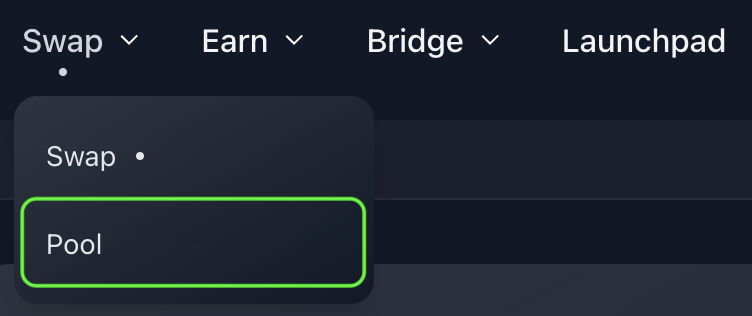
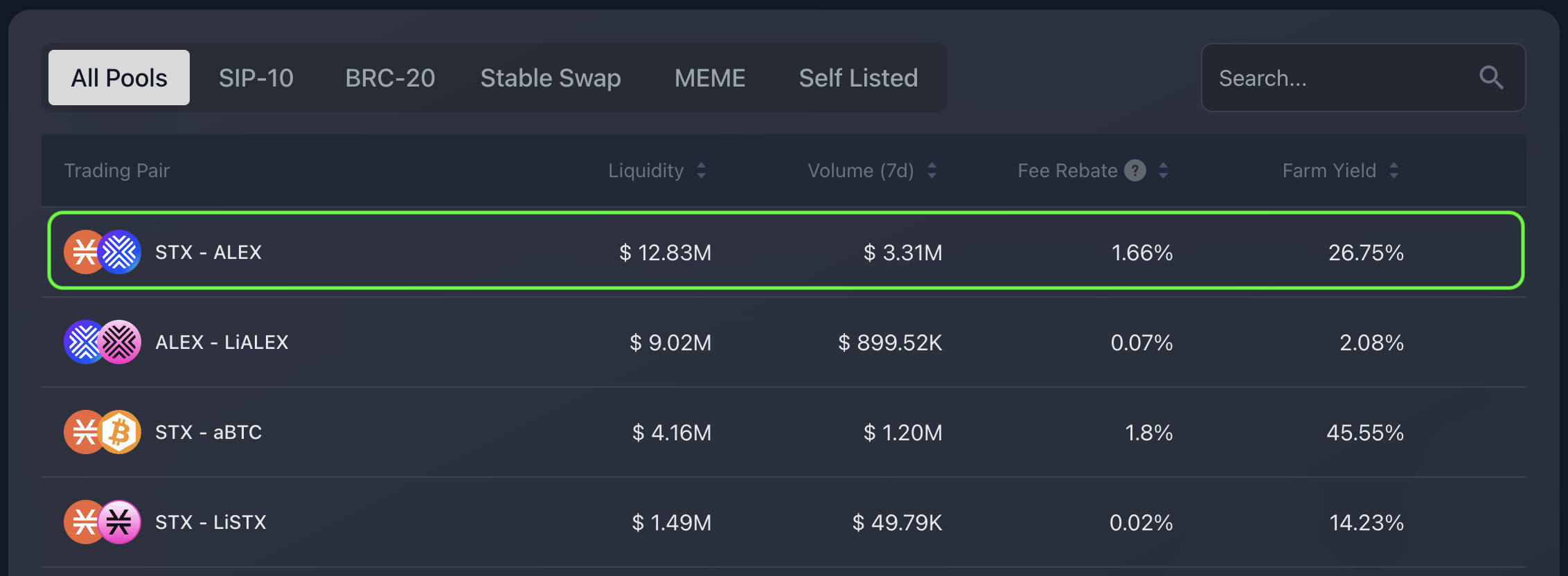
Selected STX-ALEX liquidity pool as example.
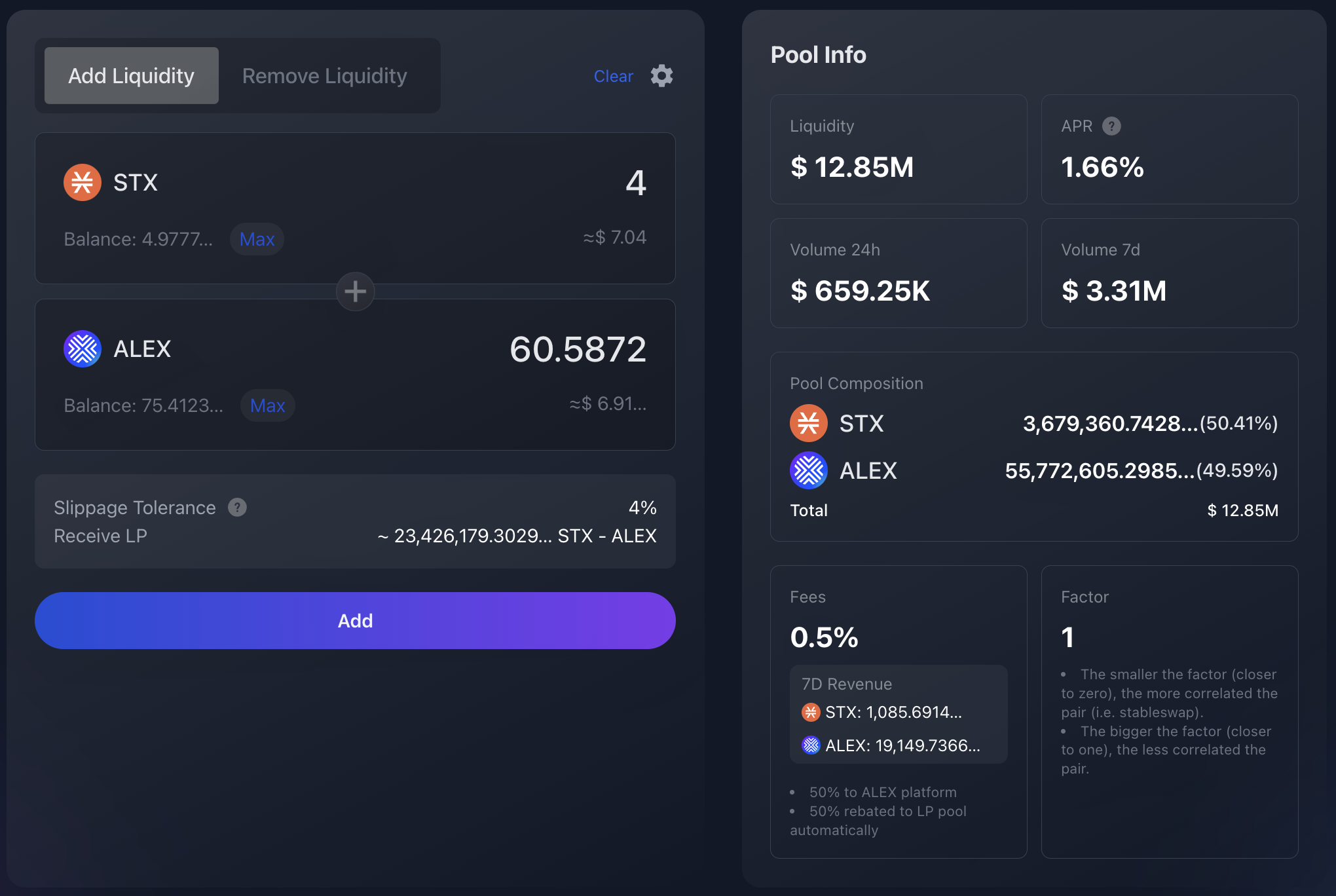
Control panel example for STX-ALEX liquidity pool. Amount is set to 4 STX and ALEX token amount is automatically determined.

Transaction Settings icon.
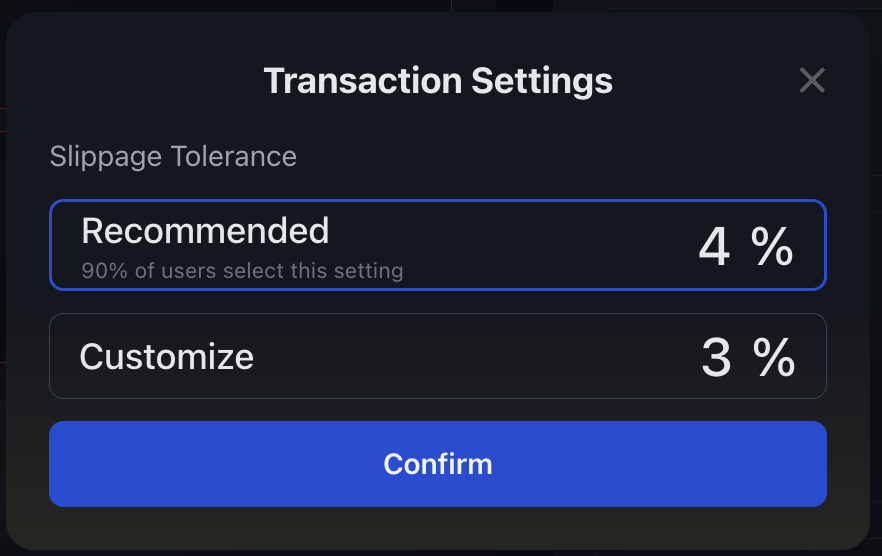
Transaction Settings panel example, with slippage tolerance set to 3%.
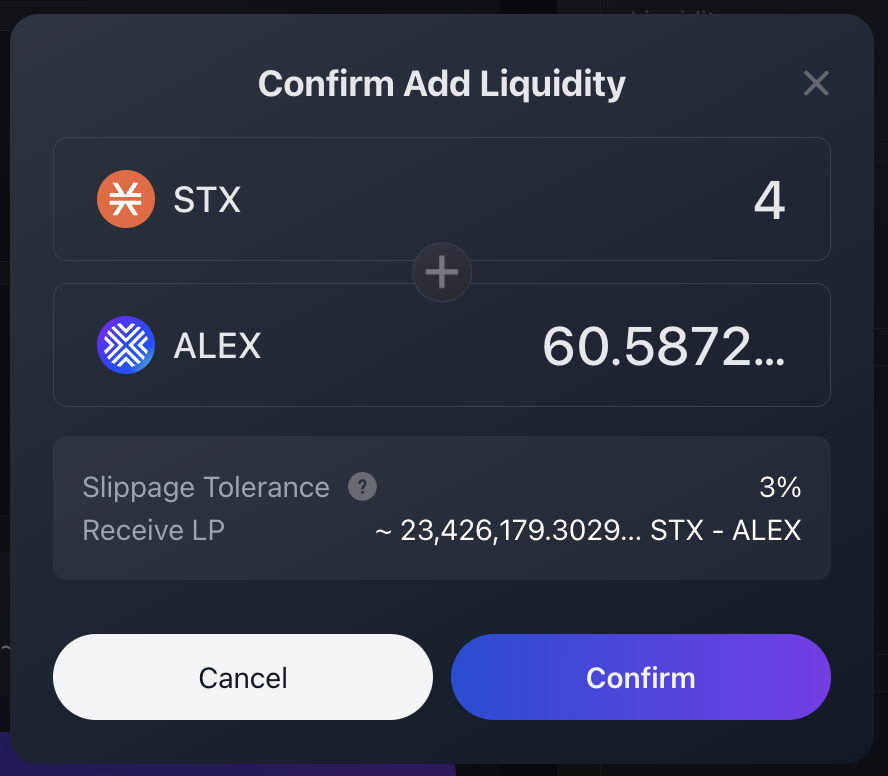
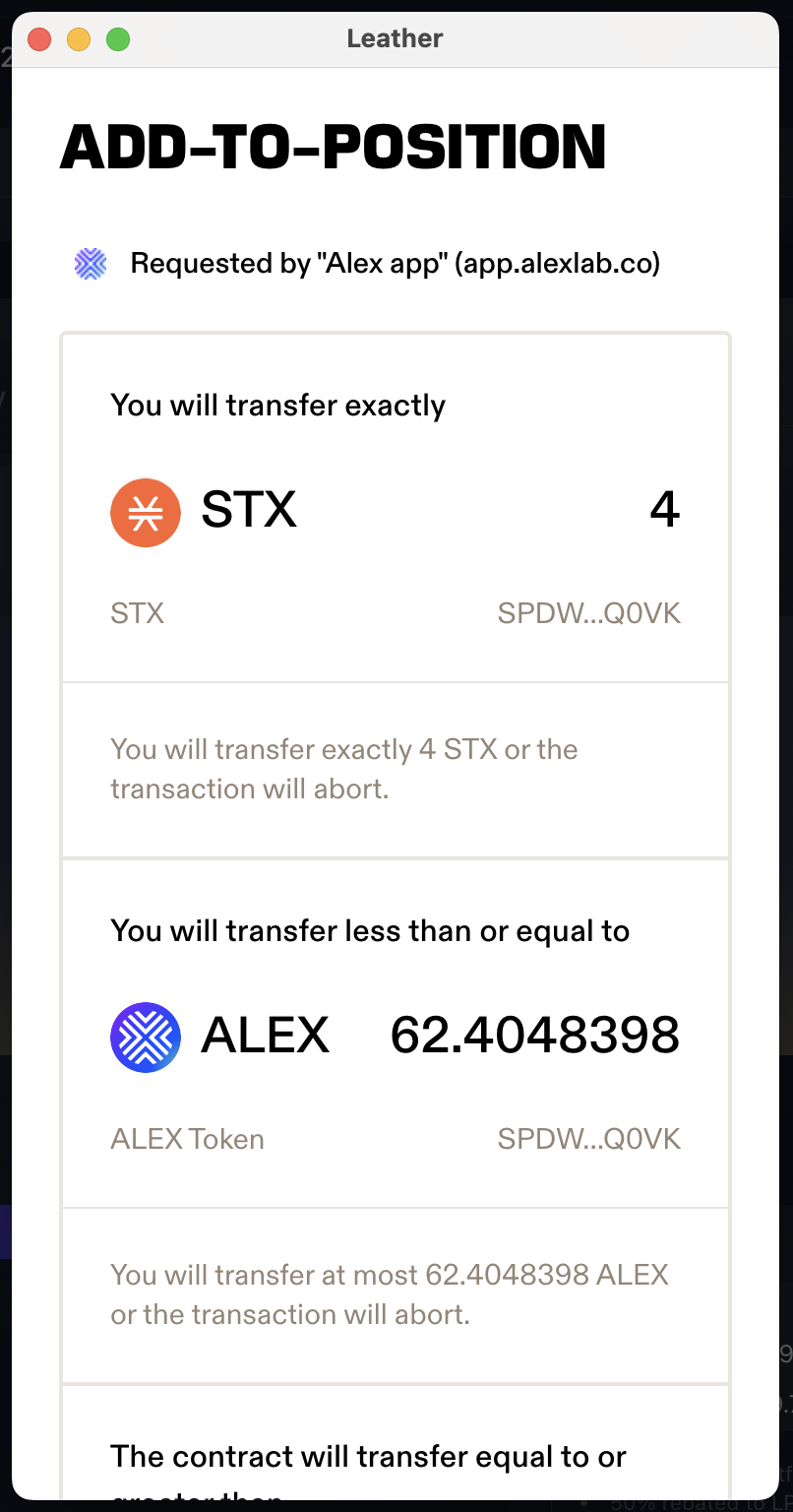
Amounts to transfer and post conditions.
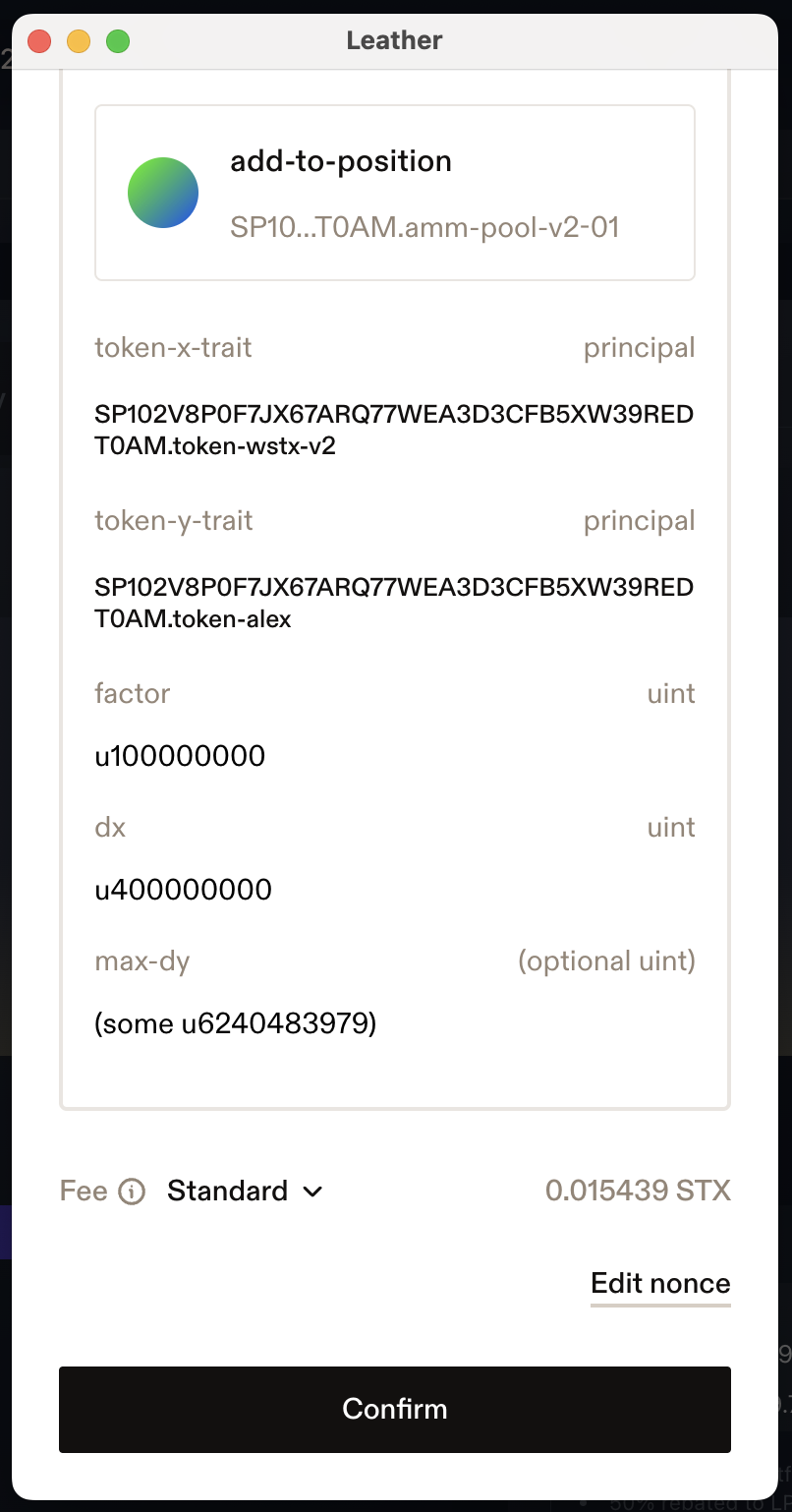
Function arguments and confirmation button.
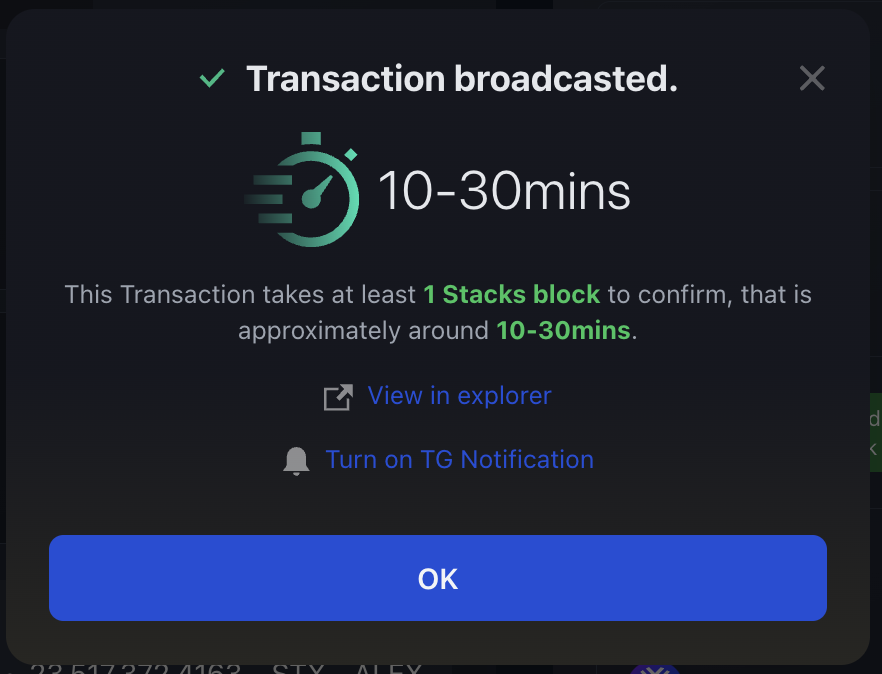
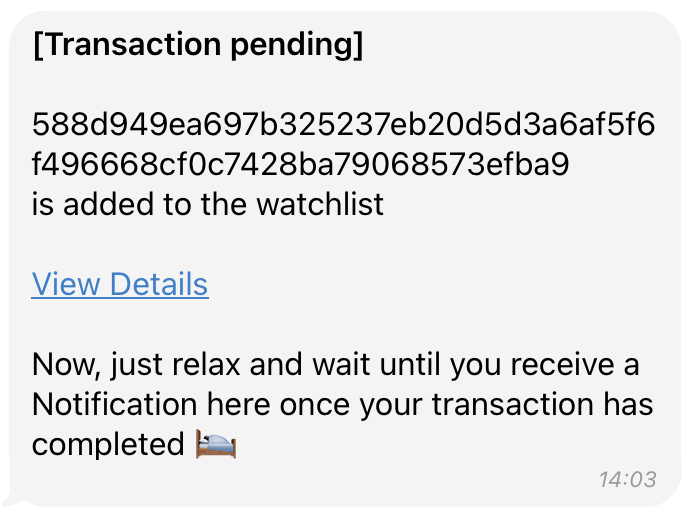
Telegram message with transaction pending status.
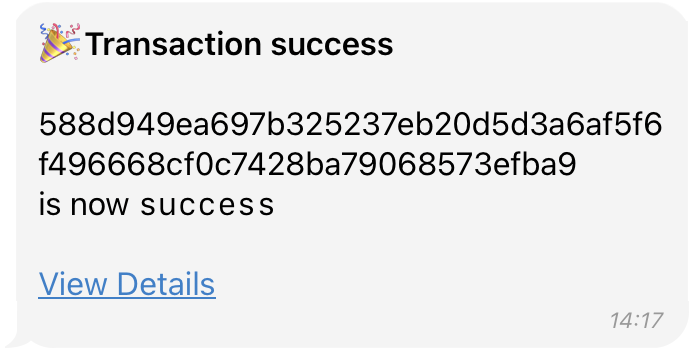
Telegram message with transaction success status.
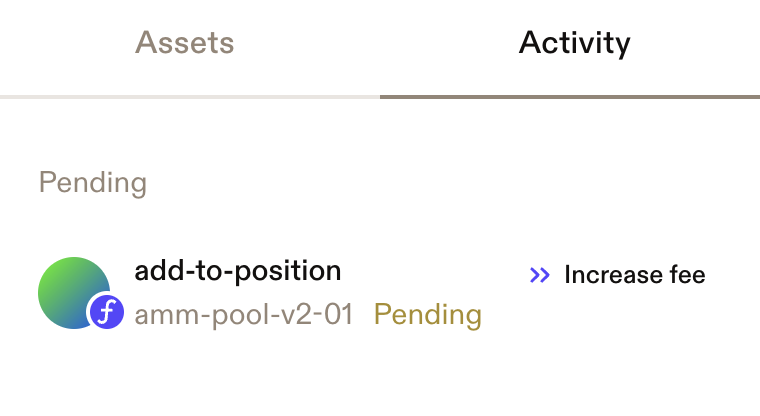
Transaction pending displayed on Leather wallet.
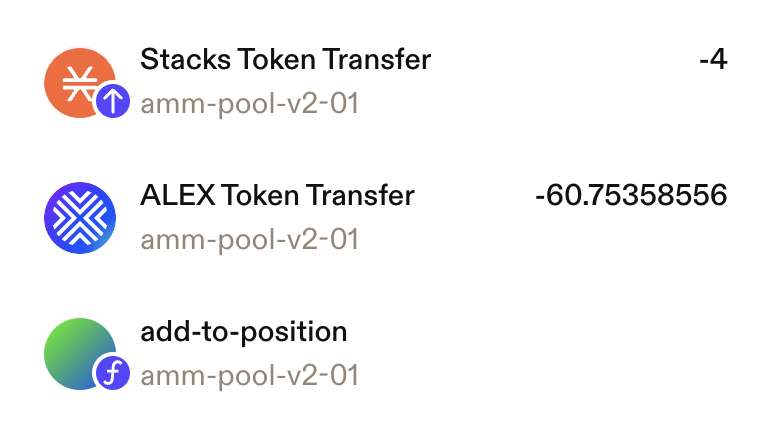
Transaction completed, token transfers are visible.
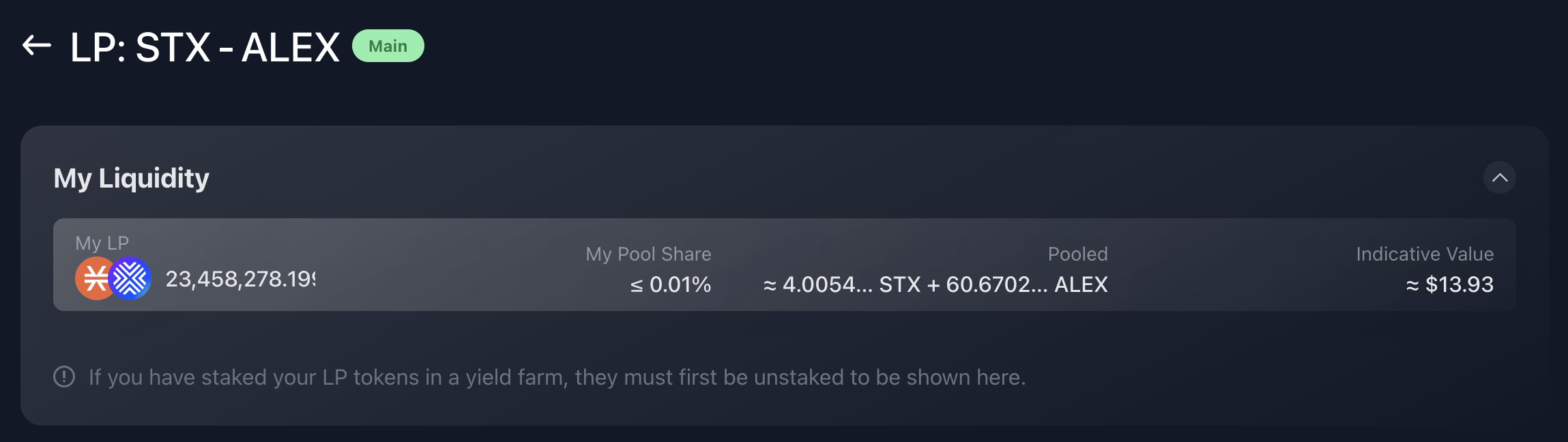
"My Liquidity" panel.